
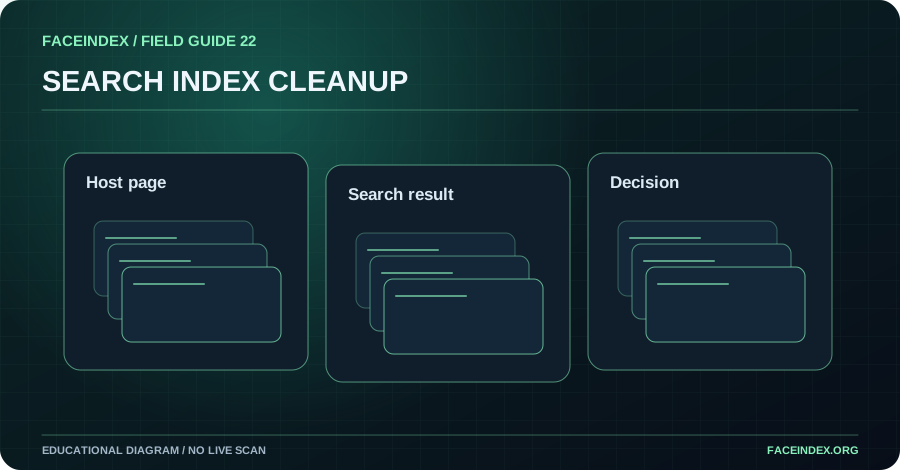
Google provides reporting options for eligible personal sexual images, including some artificial imagery. Removing a Google result does not necessarily remove the original source. Use the official process that matches your situation and track host and search outcomes separately.
Separate search visibility from hosting
A search engine organizes links and previews from the web. The host controls whether a source file remains available. A removal request to Google concerns Google search results; it is not the same as deleting a page from the internet. If you need source removal, consider the hosting provider's applicable reporting channel.
Find the appropriate official process
Google has guidance for personal sexual-image removal and other personal content concerns. Read the eligibility rules and required information on the official help page. If the source has already changed but an older result remains, an outdated-content process may be more appropriate than an active-content report.
Provide only necessary information
A report may require the specific URL or other details to locate the result. Use official instructions rather than sending sensitive material to unofficial services. Keep a private record of the addresses, dates and confirmation information. If there is a safety issue, prioritize trusted help.
Track decisions and recheck carefully
Record each request outcome separately. A search result may be removed while another result remains, or a provider may request more information. Do not treat a removal from Google as confirmation that all copies are gone. Review known source status independently if safe.
Step-by-step action checklist
- Record the known source and search result addresses.
- Determine whether the content is active or already removed.
- Use Google's official applicable removal or update process.
- Track the search decision separately from host action.
What responsible action looks like
An unauthorized picture is removed by its host, but Google's preview still shows the old image. The affected person checks the source status and follows Google's official outdated-content guidance instead of concluding the host failed to act.
Does removal from Google remove the content everywhere?
No. It changes Google search visibility according to the decision. Other hosts or indexes may be unaffected.