
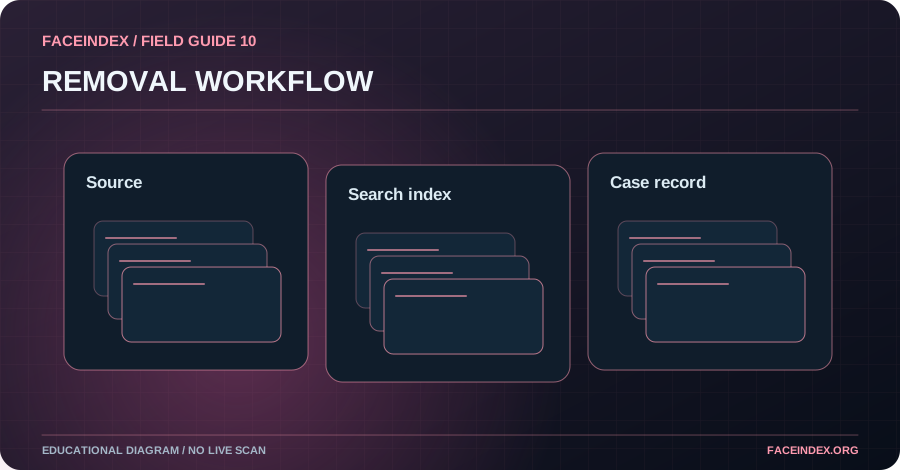
Start with the specific hosting page you know contains unauthorized material and use its applicable privacy or abuse reporting route. Consider copyright only if you hold the relevant rights. A search-engine removal request is separate from removing the original page.
Identify which system controls the content
The website hosting an image, the service distributing a link and a search engine indexing it have different roles. A search result can disappear even when the hosting page remains available. Work out which outcome you need and use the corresponding official reporting channel.
Preserve useful information without spreading the image
Safely record the source URL, date and report reference. Avoid posting intimate screenshots or creating unnecessary copies. If there is a threat or ongoing harassment, prioritize trusted assistance before spending time on an extensive online review. Do not attempt to identify the uploader from facial imagery.
Choose privacy, abuse or copyright reporting
If an intimate image of you was distributed without consent, a nonconsensual imagery report may be the appropriate route. If you own the material, you may also have copyright options. State only what you can substantiate and follow the reporting form's requirements. In complex cases, qualified legal or victim-support guidance may help.
Confirm the outcome at the right level
Track whether the host acknowledges your request, disables the exact URL or asks for additional information. Separately record any search-engine request and decision. Use an outdated-result refresh process only where appropriate; it is not a substitute for asking a host to remove active content.
Step-by-step action checklist
- Record the known source address privately.
- Submit the appropriate host or platform report.
- Consider an eligible search-result removal request.
- Track the two outcomes independently.
What responsible action looks like
The hosting site removes an image but an old thumbnail remains in a search result. The individual records the host's response and uses the search engine's relevant update or removal process rather than submitting a new claim against an already removed page.
Will removing a Google result delete the original?
No. Search-result removal affects search visibility, not necessarily the original website or other copies.