
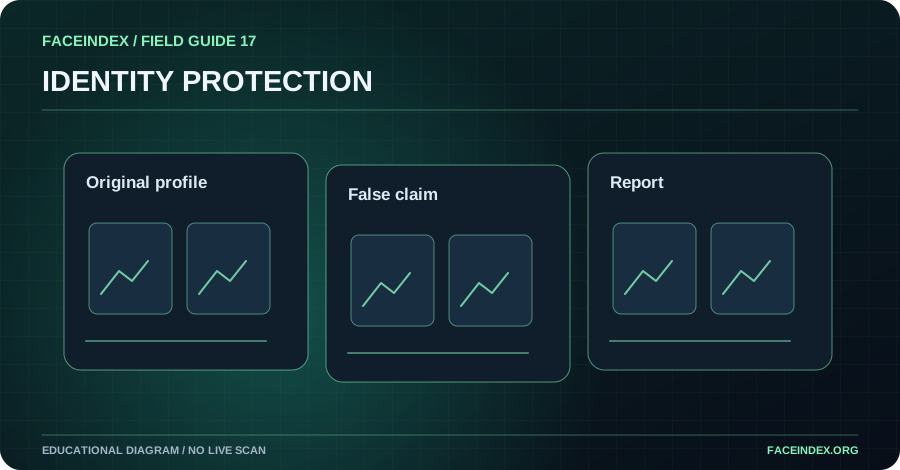
Impersonation is a misleading claim that an account represents you. Record the known profile URL and the false representation, without trying to identify the operator. Use the official impersonation reporting process and consider privacy or copyright reporting if applicable.
Recognize the type of impersonation
Some accounts copy branding, some use a person's photographs, and others claim to be affiliated with a creator to collect money. The relevant issue is the misleading representation, not whether every image depicts the same person. Similar names or images can be coincidental, so verify the actual claim before reporting.
Protect your real account first
Review login activity, change compromised passwords and enable multifactor authentication where supported. Confirm the recovery email and phone details on your legitimate accounts. If your account has not been compromised, you can still improve security and publish a clear list of official channels without amplifying the impersonator.
Document the misleading representation
Keep the known account address, date and specific claim. Retain links to your legitimate official profile and the original publication of your work where relevant. Avoid engaging the operator or asking others to investigate their identity. Do not use facial comparison to attribute an intimate account to a real person.
Choose a report and track the outcome
The platform may have an impersonation form, an intimate-image abuse process or a copyright notice channel. Use the appropriate process and only provide information requested by the official service. Monitor your legitimate accounts and keep a private record of report responses.
Step-by-step action checklist
- Secure your official accounts and recovery options.
- Record the specific false representation.
- Report the account through the platform's official channel.
- Review the response and notify your audience only if appropriate.
What responsible action looks like
A creator notices a profile claiming to be their official backup account. They verify that it is not an approved account, record the false claim and report impersonation without contacting the operator.
Do I need to identify the person behind a fake profile?
No. An impersonation report can focus on the account's representation and your relationship to the material.