
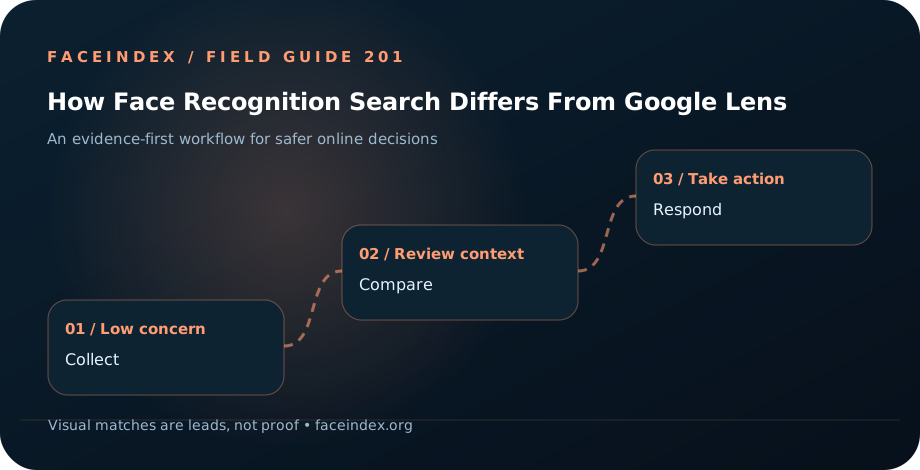
Understanding how face recognition search differs from google lens
You discover two public pages presenting the same search result in different ways. The relevant question is whether they are authorized, misleading, or simply unrelated—not whether a single algorithm returns a match.
A removal request generally applies to Search, not necessarily the source website. The point is to test the underlying claim about the search result with evidence that would make sense to an independent reviewer.
What should happen next?
Exact photograph is found
Compare the hosting page and original image to determine whether this is an authorized repost.
Visually similar face appears
Review context; similar faces can produce false positives.
Nothing appears
Consider public-index coverage, file quality, and additional permitted research; do not infer that no copies exist.
What to save for Google Search
The key distinction for this question
Google Lens often emphasizes objects and image similarity; face-oriented search may surface different portrait matches. The practical outcome is an evidence file you could explain to an independent reviewer—what was visible, what you checked, and what is still uncertain.
For “how face recognition search differs from google lens,” the most useful distinction is the difference between public evidence and a conclusion about a person. If the situation concerns fraud, preserve the suspicious messages as well as the images. If it concerns privacy or rights, preserve the original source and the disputed public URL separately.
Start with the specific claim
First define the job you need done: finding the same image, finding visually similar portraits, or tracing publication history. Compare what each tool actually returns.
Record both the search-result URL and the destination page. A search engine may still display a cached thumbnail after the publisher changes its page.
When the original image is gone, review the search engine’s outdated-content or removal process rather than resubmitting an unrelated copyright complaint.
How FaceIndex fits into the picture
A public visual match may help you find another appearance of an image, but it does not establish identity, consent, fraud, ownership, or that a photo is AI-generated. Read the destination page and compare the surrounding facts.
For this tool comparison, test with a permitted image and compare source URLs, context, and false positives. Keep matches separated into exact duplicates, altered versions, lookalikes, and unrelated pages.
Where to get reliable guidance
Use official documentation and reporting channels rather than copied advice from third-party posts. These resources explain relevant protections and limitations; availability and eligibility depend on the situation.
FaceIndex is independent of these organizations. These links are educational references, not endorsements or a promise that your specific request will be approved.
Questions to consider
What is the safest first step for how face recognition search differs from google lens?
First define the job you need done: finding the same image, finding visually similar portraits, or tracing publication history. Compare what each tool actually returns.
What if a face search returns a match related to Google Search?
Check the hosting page and surrounding public facts. A removal request generally applies to Search, not necessarily the source website. A result can be a useful starting point without identifying the individual behind an account.
What if the available evidence is uncertain?
Do not publish accusations. Preserve the image preview, landing URL, and whether source page still exists, continue verifying through trusted sources, and use official reporting channels only for claims you can support.
Keep learning with nearby FaceIndex guides
We are here to help people protect themselves online
FaceIndex exists to add clarity to a serious internet problem. Start with a free search, review public evidence carefully, and choose the safest next step for your situation.